Converting a Samsung 32″ non VESA compliant monitor URC590 & URC592

Rather than go through this in great detail – there are a number of Youtube videos available and these have links to the kit that I ordered/used.

First remove the old stand
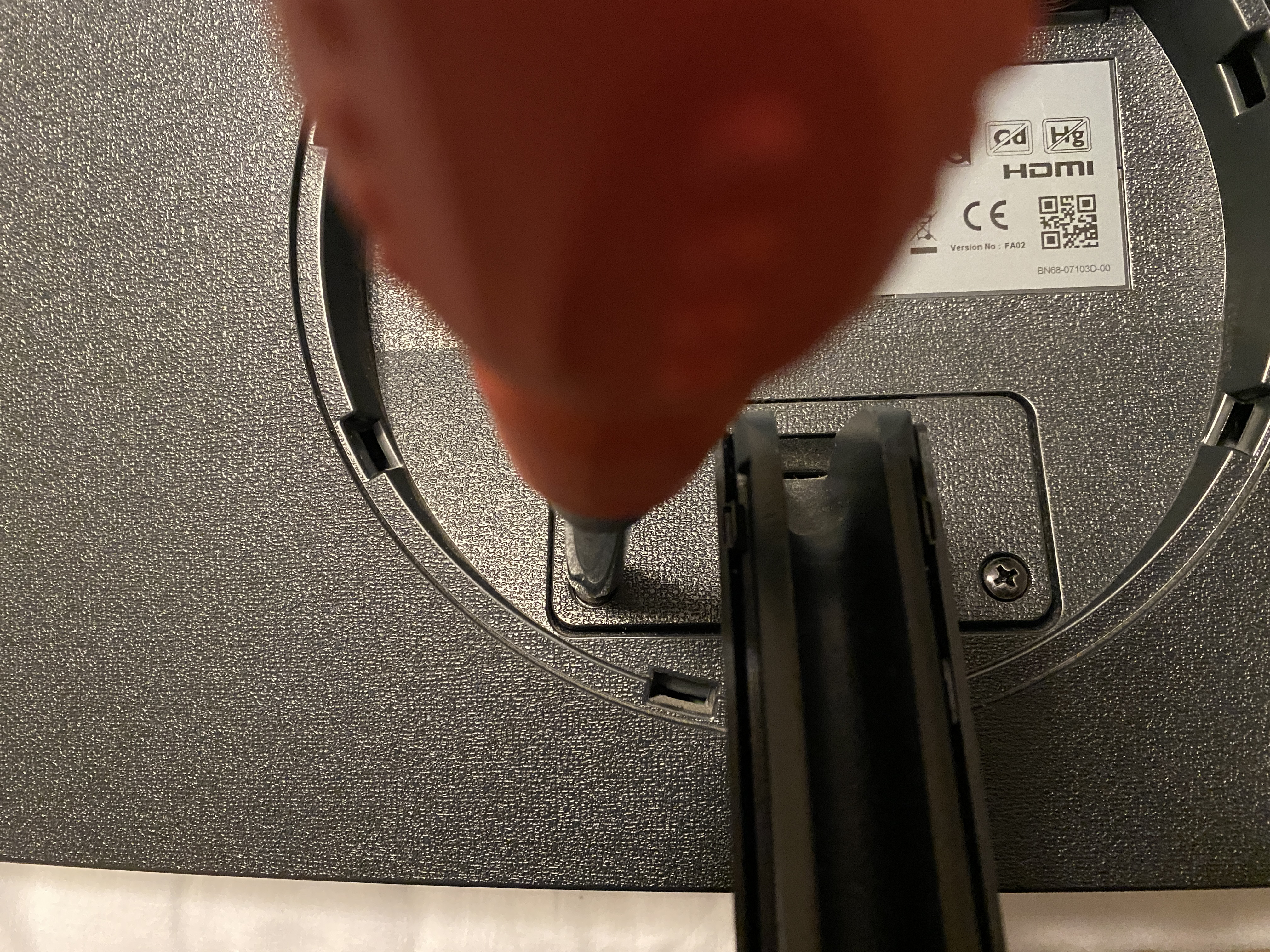
Remove the two screws and take the stand off – Keep these two screws you’ll need them after when fixing the plate back onto the monitor
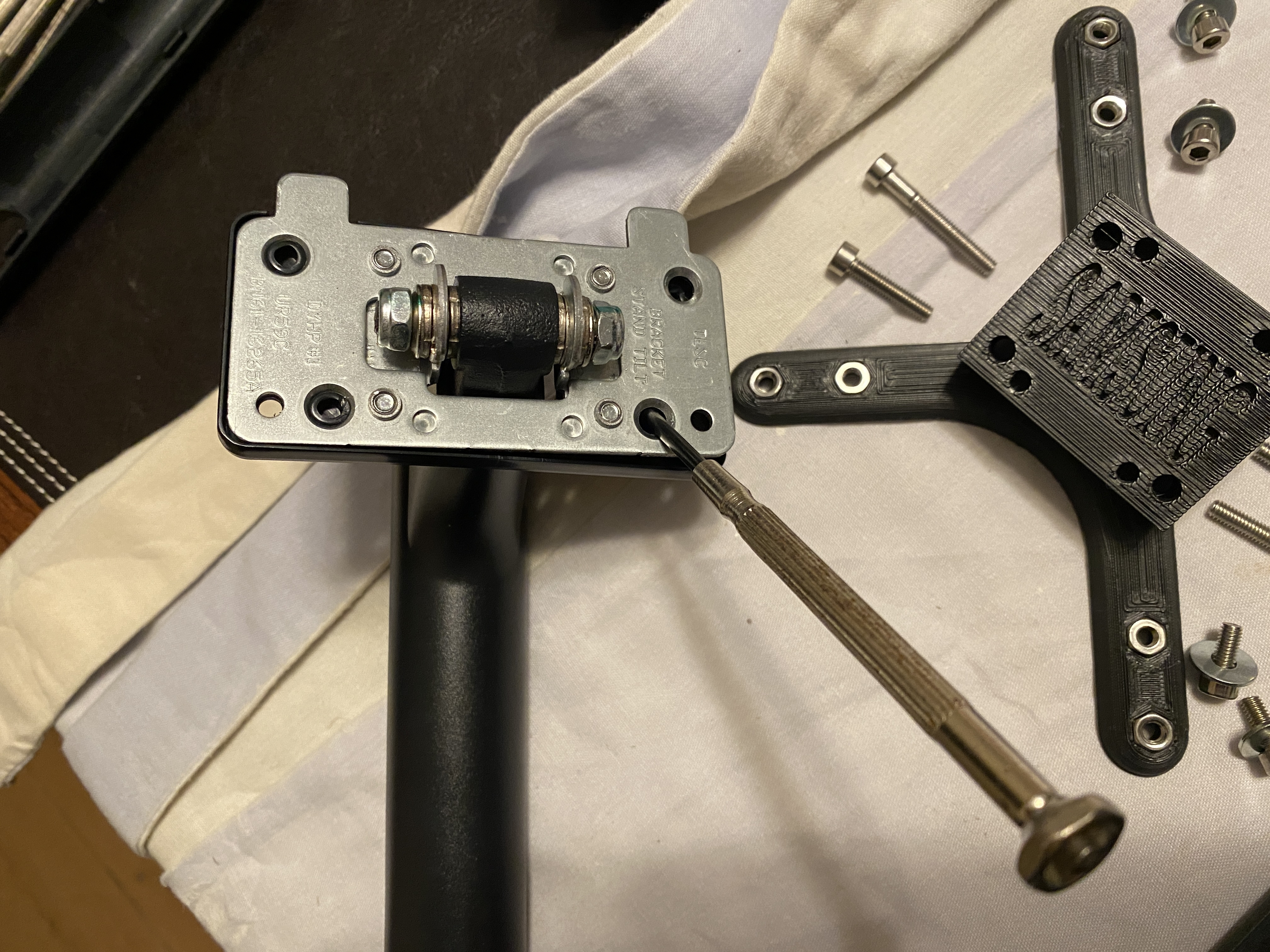
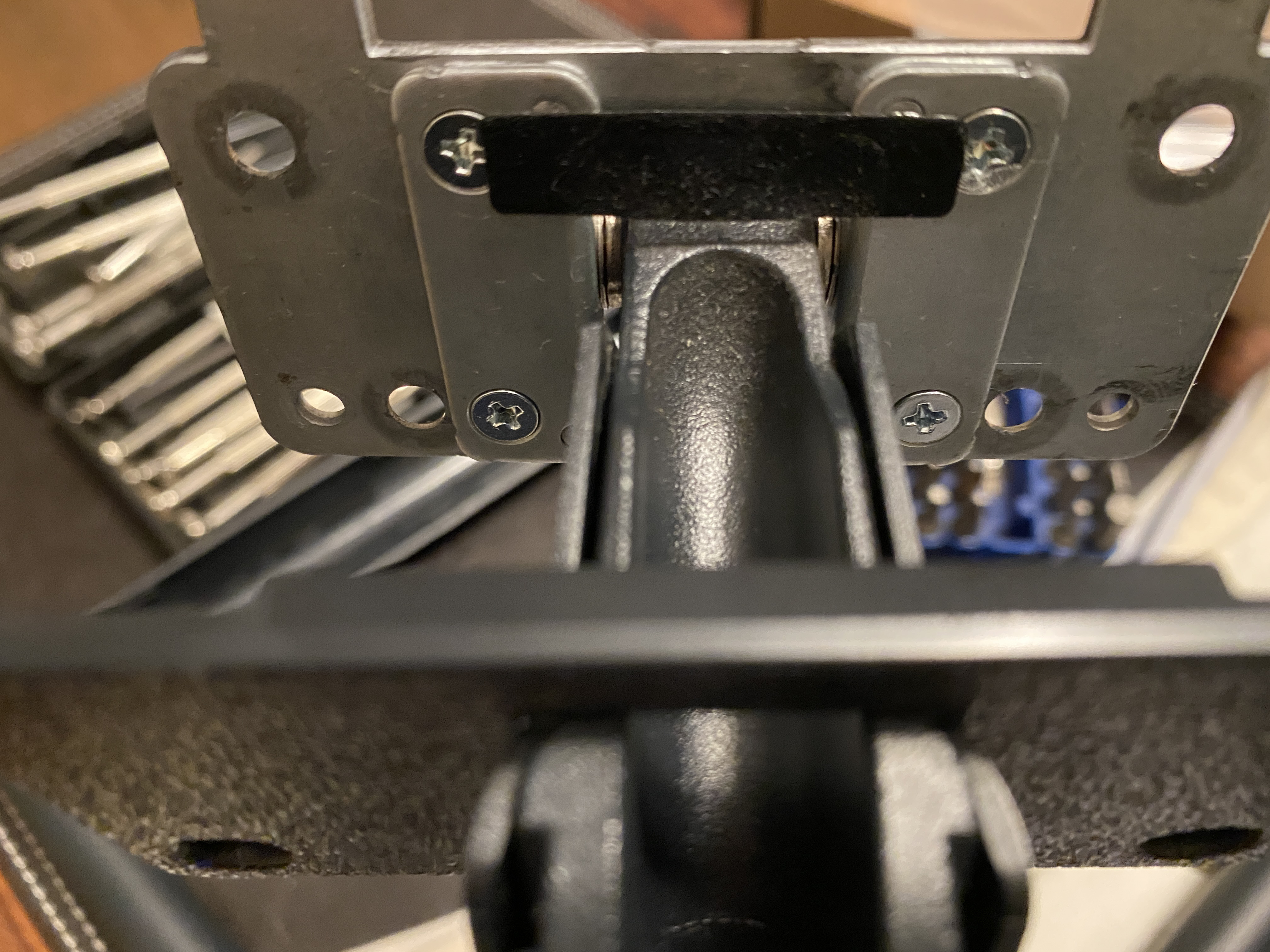
Place a screwdriver in each of the four lugs on the stand and push them out to free the cover.
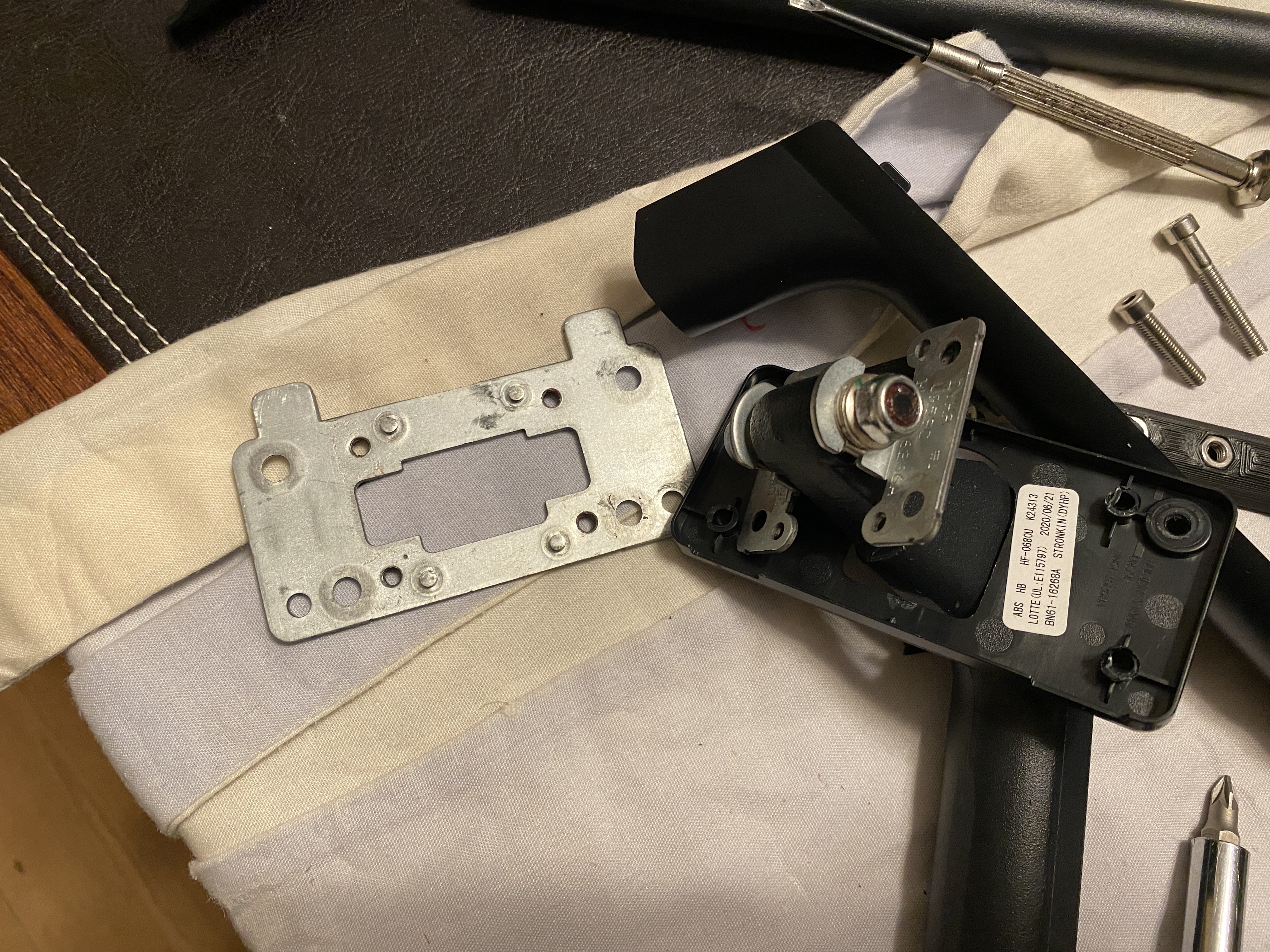
Once you have pushed the backing plate off (previous step), you’ll see four screws remove these.
Keep the metal plate that is now detached, you need this to attach to the kit
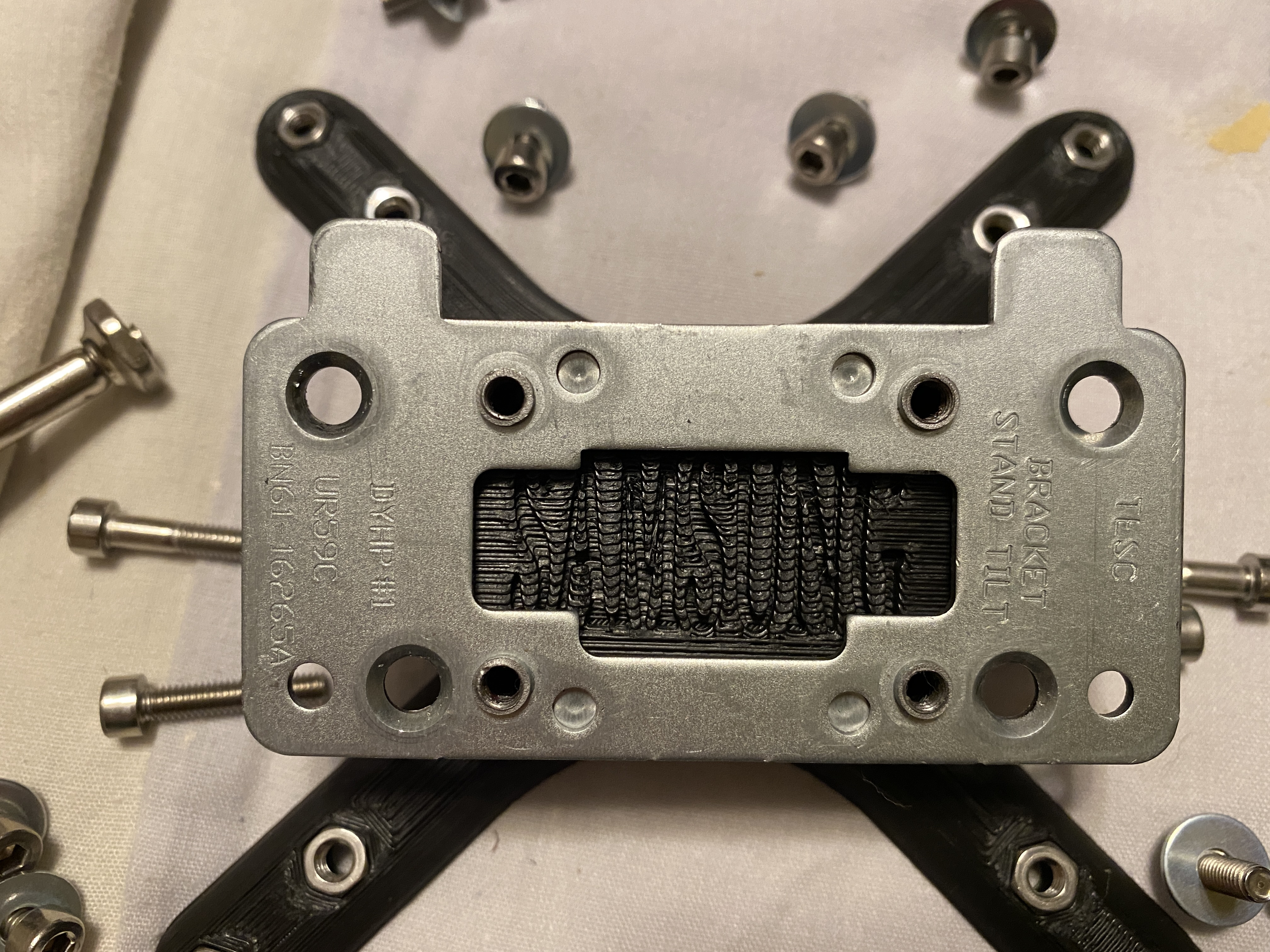
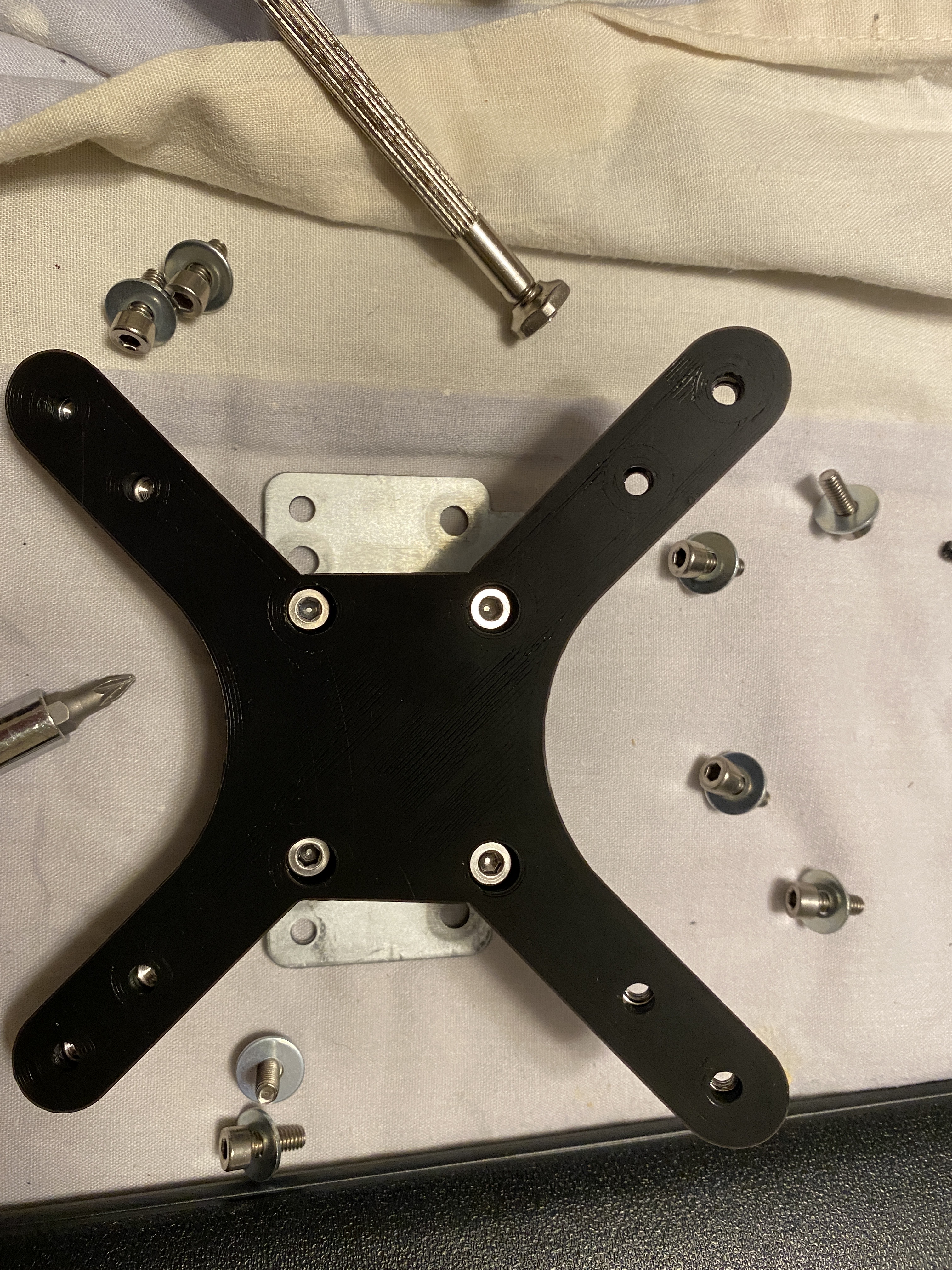
Place the plate that you removed from the stand onto the convertor fitting. and use the four screws supplied in the fitting kit to attach it. Also notice that I have pushed the nuts into each the plastic arms. This makes it easier to install later.
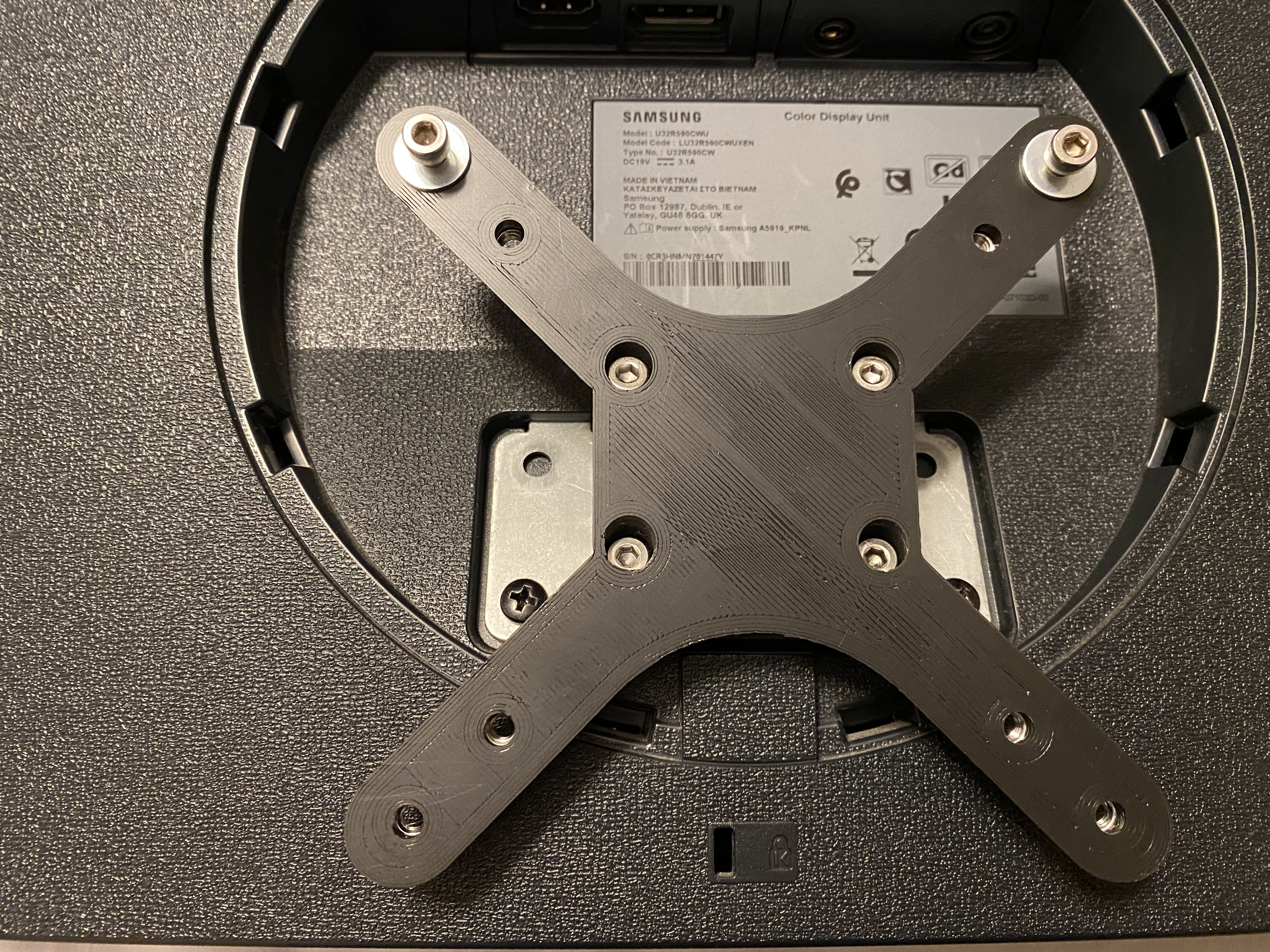
Now place the fitting back onto the monitor and use the two screws that you save at the start of the process when you removed the monitor arm.

You’ll probably be able to see now whey I put the nuts into the plastic arms before fixing the unit to the monitor. They are pretty hard to get in now.

You’ll also notice that I have put two screws and washers (that are in the kit) in loosely. This is so that I can put the monitor on the new arm without assistance, the top two lugs on it are open, to allow me to do this. see next picture
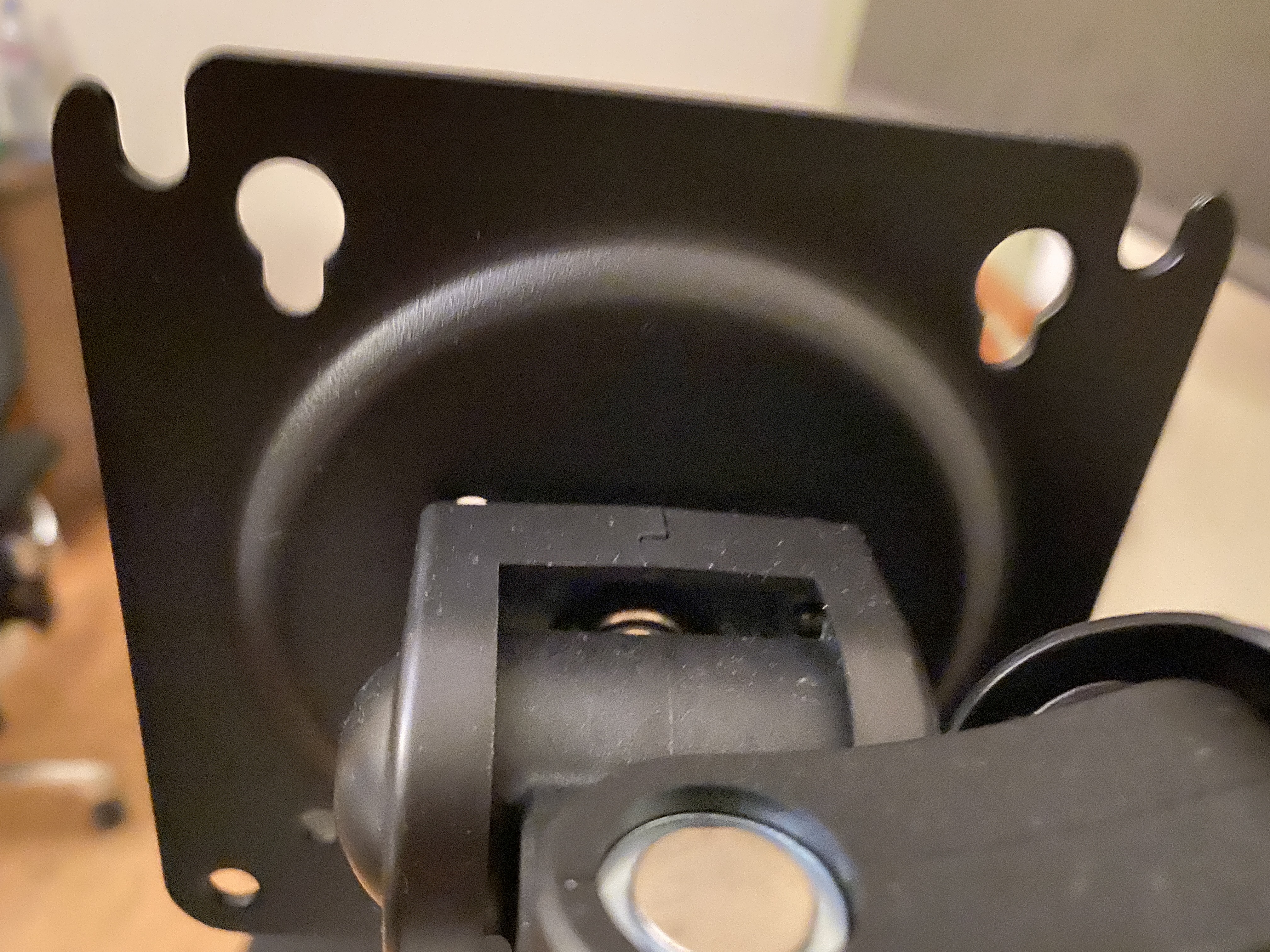
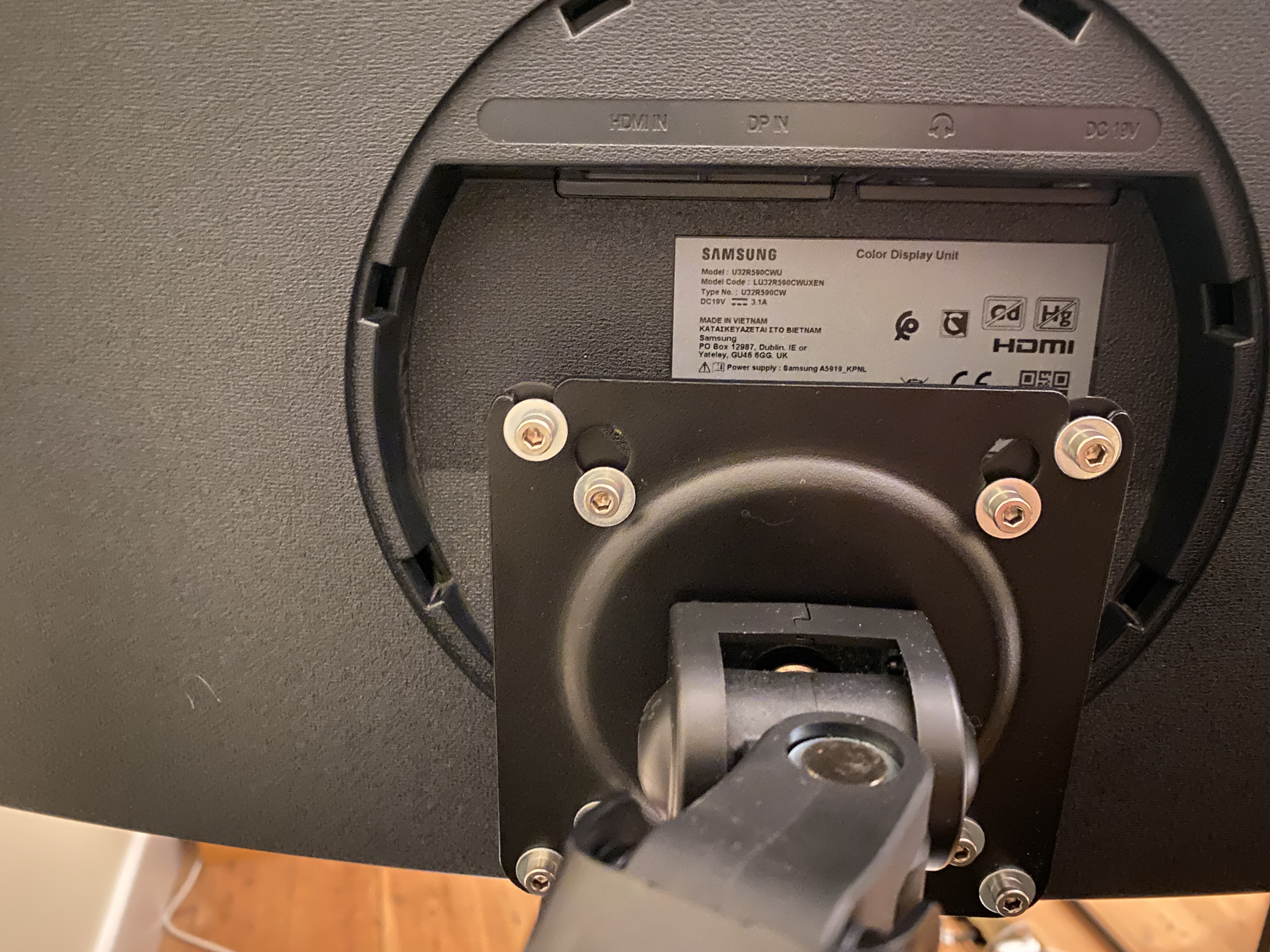
Now screw all of the remaining screws
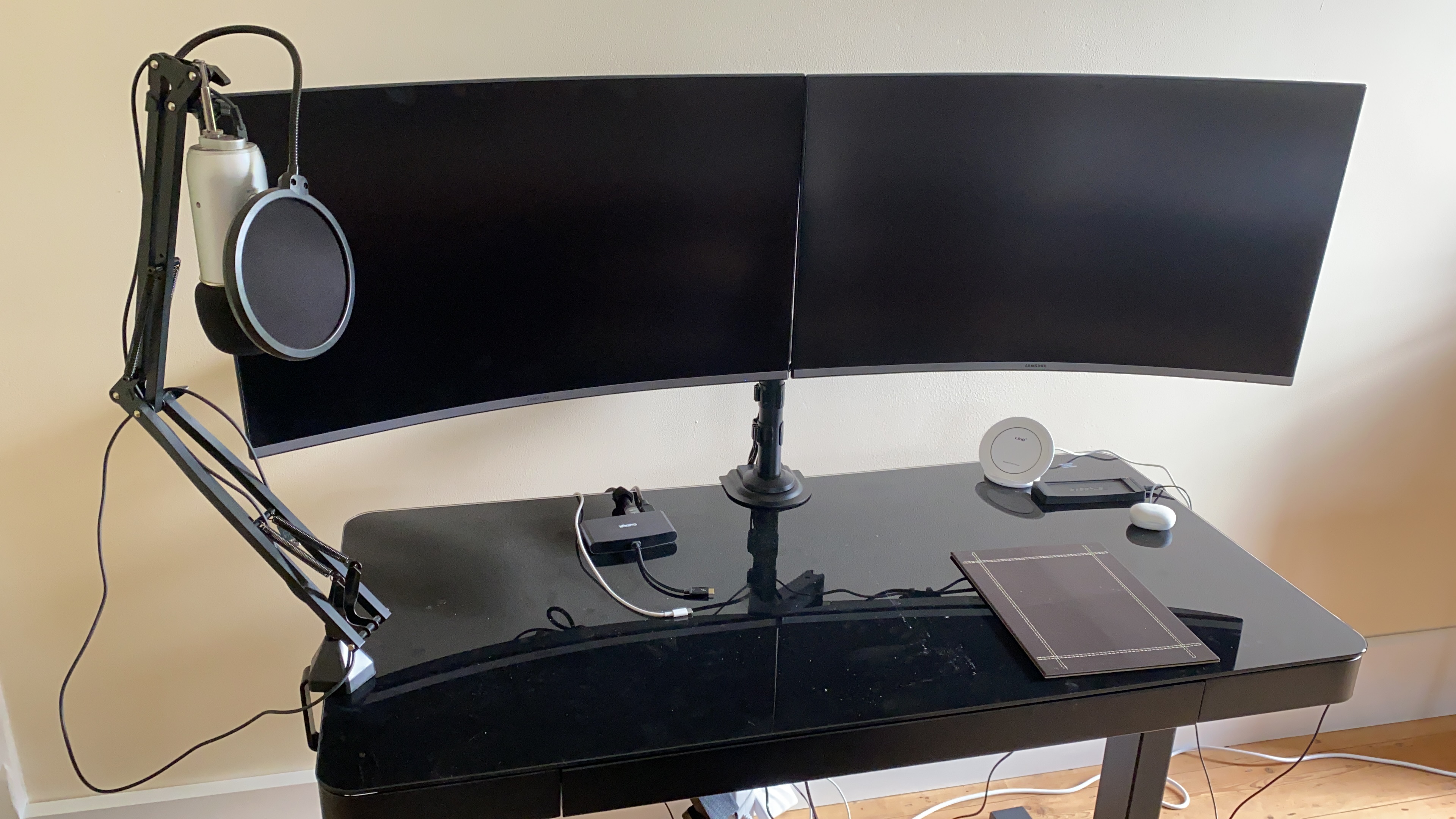
And it works – I had two 32″ monitors so needed two kits and repeated the process. The good news is that the monitors have different model numbers, one is the URC590 and the other is the URC592. Both look identical though and the kit worked on both.

Leave a comment

This site uses Akismet to reduce spam. Learn how your comment data is processed.